Vision test
Find today’s comfort level
A quick test that adjusts text size step-by-step and suggests your comfort level for the day.
- Dynamic text zoom staircase
- Recognize when text is too small
- Save your best level over time
VisionComfort helps you find your daily comfort level, read with less strain, and keep your eyes relaxed with quick, eye-friendly mini games.
A simple toolkit to make reading on your phone feel calmer, clearer, and more comfortable.
A quick test that adjusts text size step-by-step and suggests your comfort level for the day.
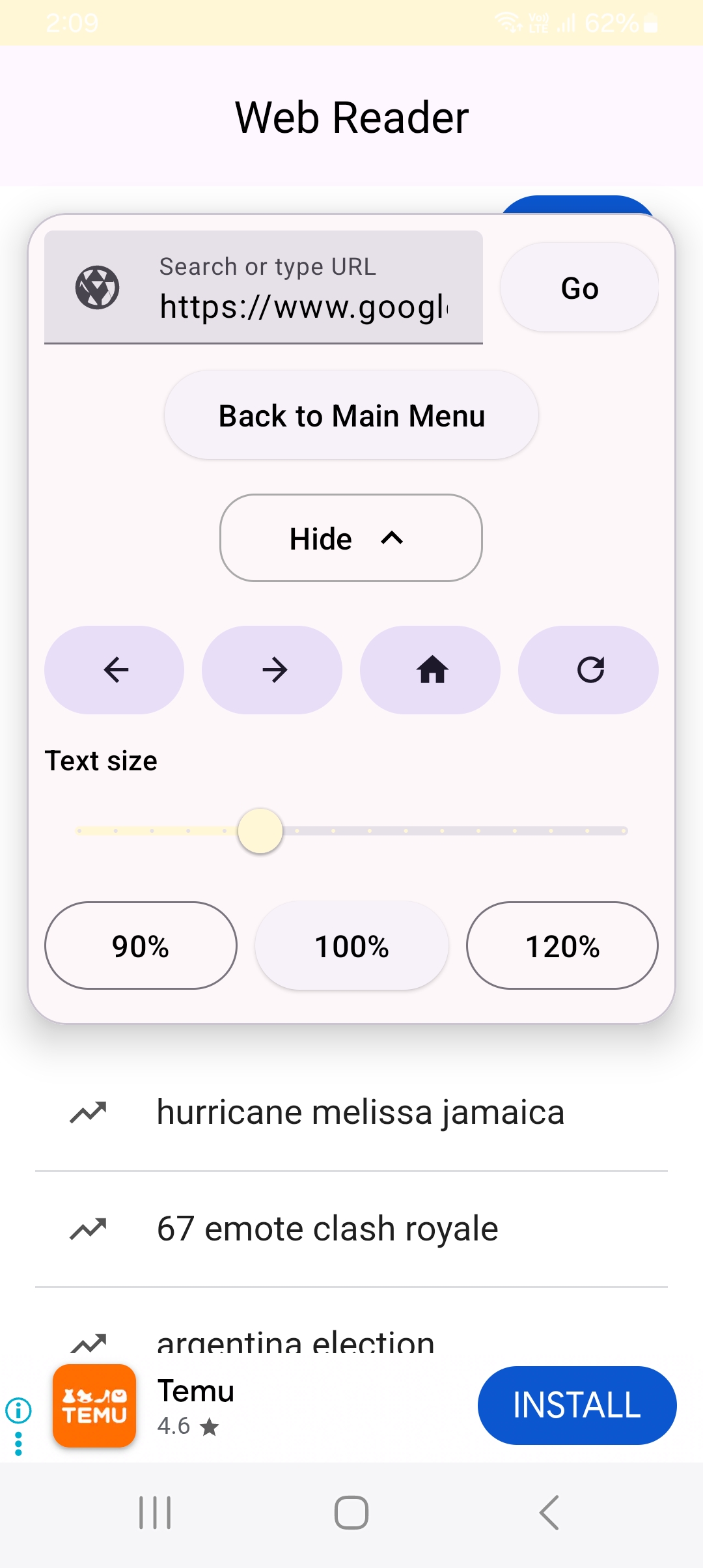
Paste a link and read it in a clean, focused layout with your comfort settings applied.
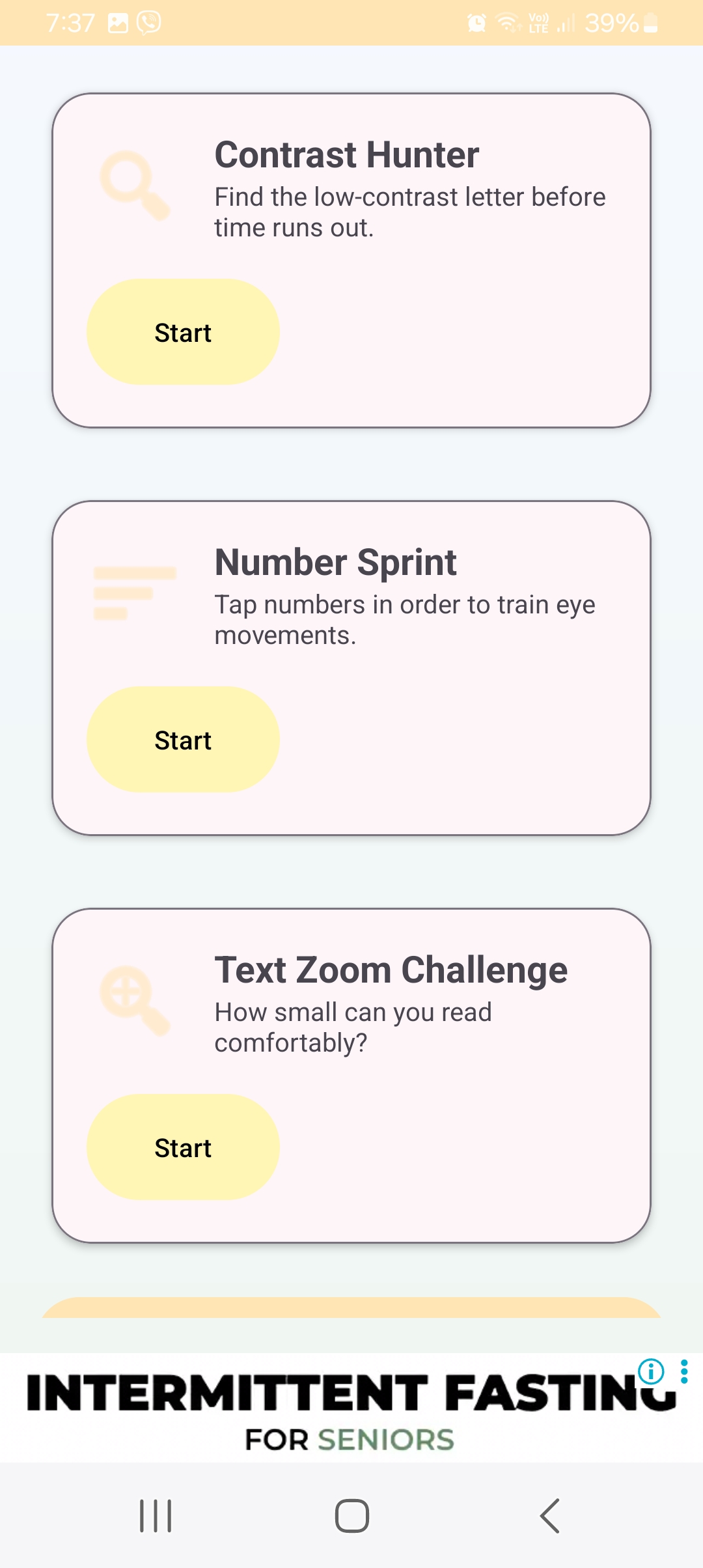
Three tiny games designed to lightly engage your visual focus and contrast sensitivity.
The Vision Test gently adjusts text size and asks you one simple question: “Can you still read this comfortably?”
After a few taps, VisionComfort suggests a level that feels good for you today — and you can apply it across the app.
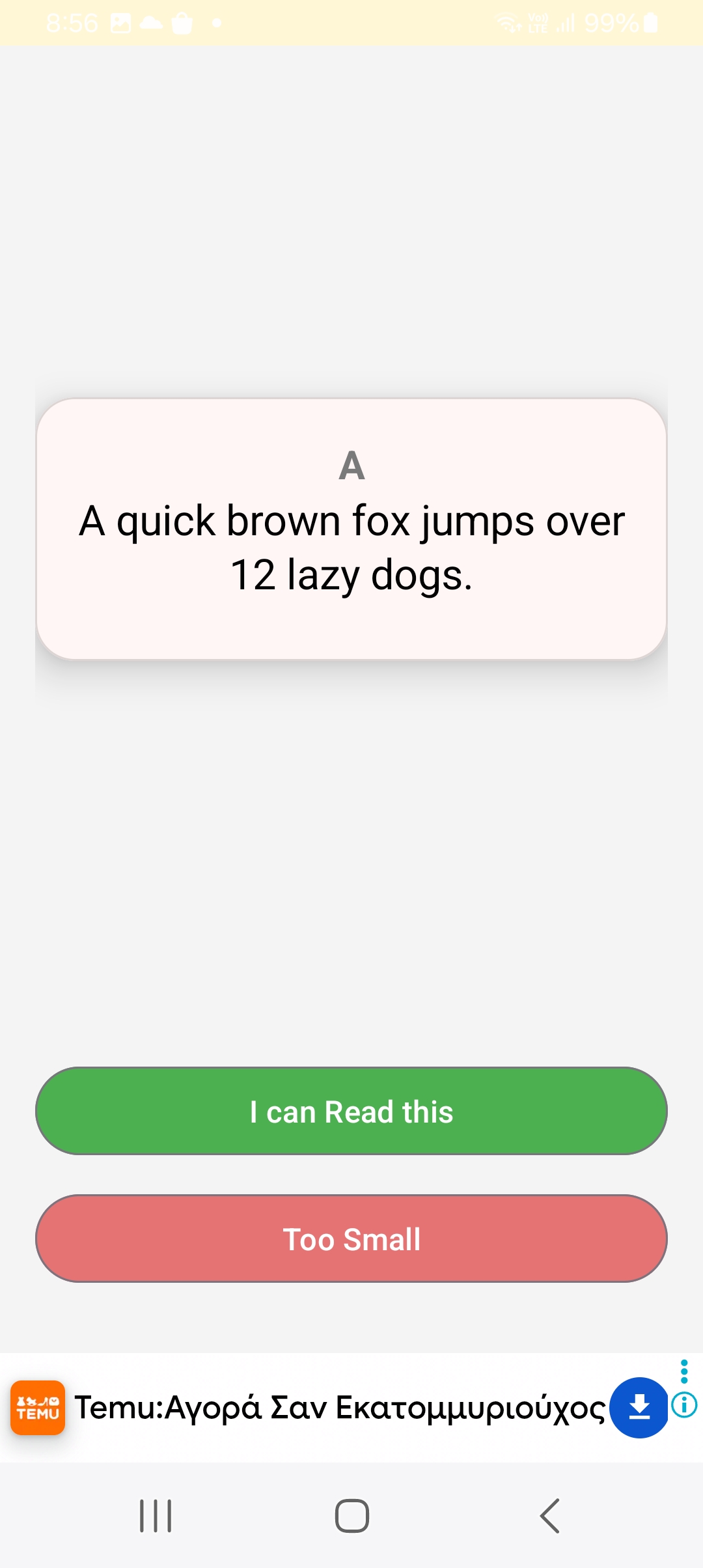
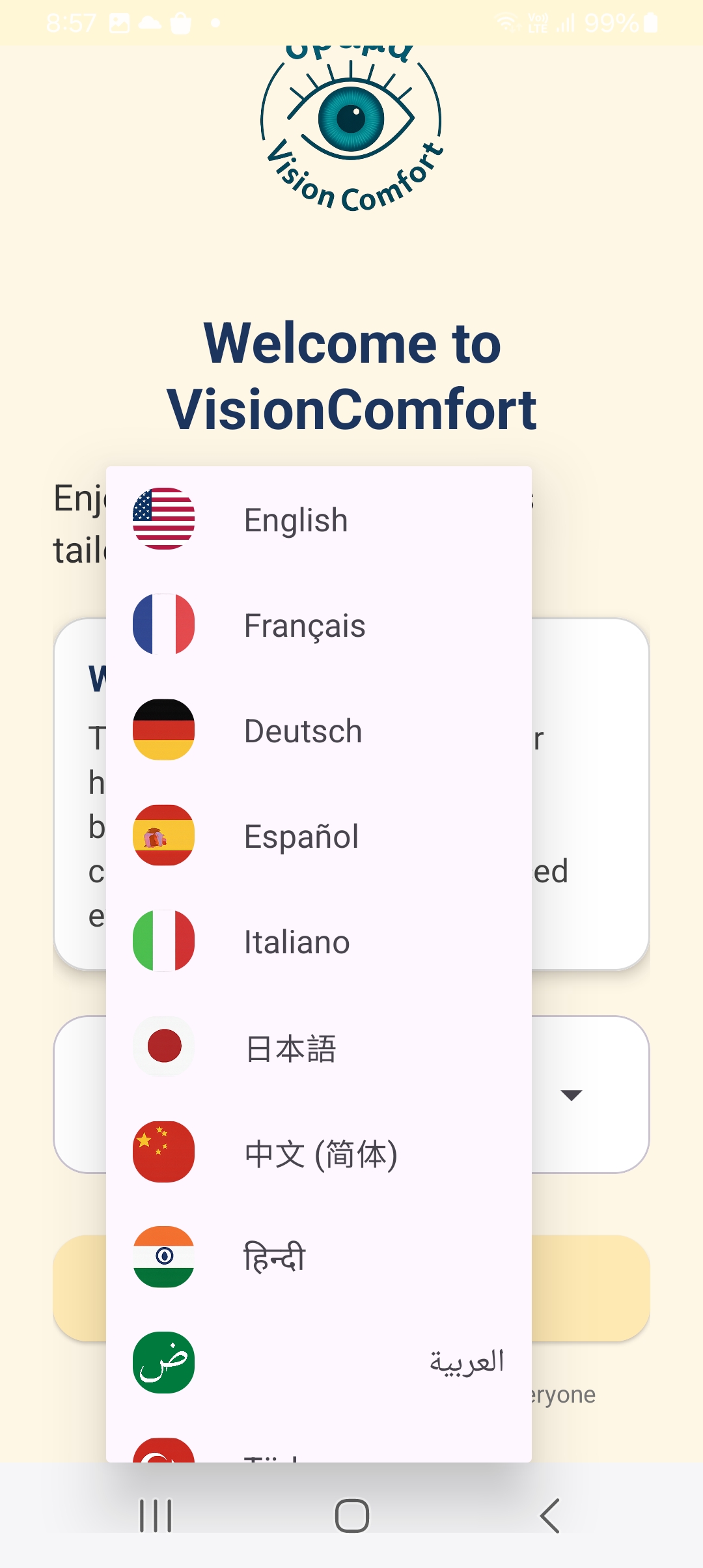
Here are a few key screens from VisionComfort.